Structured categories
Group products logically so staff reach the right item without scanning an overcrowded screen.

Handle drinks, food, sizes, extras, customer notes and preparation tickets quickly, with Dojo-integrated payments, offline continuity and a connected loyalty programme when required.
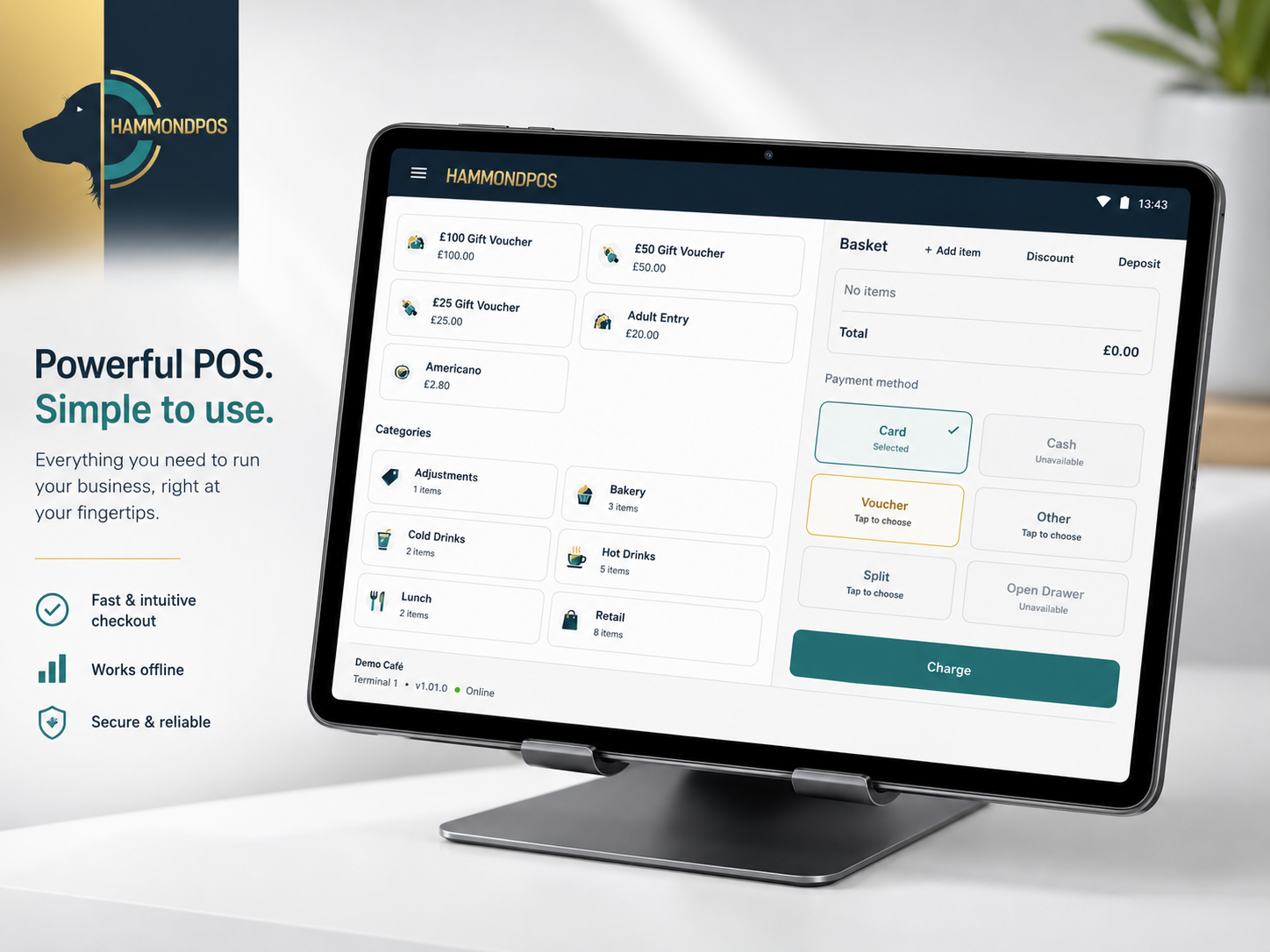
Group products logically so staff reach the right item without scanning an overcrowded screen.
Capture the customer's drink, food and preparation choices before the order reaches the barista or kitchen.
Record customer-advised allergens for kitchen awareness and print them on preparation tickets.
Use approved Pay at Counter integration where enabled, including split payments, gratuity handling and matched refunds.
Keep supported core till workflows available through a temporary internet interruption and synchronise after reconnection.
Recognise regular customers with QR-based loyalty and rewards limited to the products or categories you choose.
Simple counter-only café: Core POS may be sufficient.
Kitchen or drinks tickets: Hospitality POS.
One small hosted-receipt till: POS Lite.
Check the right planConnect a suitable Dojo card terminal to the order, then use HammondPOS loyalty to identify participating customers and apply the café's own points and reward rules.
Select the drink or food item, record the size and extras, then add any preparation notes. On Hospitality POS, route drinks and food to the appropriate preparation station so the barista and kitchen see what was ordered.
With an enabled Dojo POS integration, send the amount from the till to the selected terminal. If you already use Dojo, we check whether your account and devices can stay in place when you change EPOS.
Add the optional café loyalty programme to identify participating customers by QR code and apply the venue's own reward rules. Show staff how redemption works alongside the order during your demonstration.
Review the day's cash and card totals and complete the daily close and Z report. For an internet interruption, agree your designated till and offline POS continuity before service starts.
Tell us whether you serve at the counter, offer table service or send drinks and food to separate stations. We can review your existing Android device, receipt printer and cash drawer, or discuss the recommended till and printer options.
A useful demonstration follows one real order: a drink with extras, a food item, the preparation ticket, payment and receipt. Bring a few examples from your menu so we can show the workflow you will use.
Check the POS plan, required hardware and optional loyalty subscription together. Published monthly plans and add-ons make the comparison easier before arranging an installation.
Request a café POS demoCore POS suits counter sales with a receipt printer and cash drawer. Choose Hospitality POS when you need kitchen or drinks tickets, tables or included Inventory and Recipe Management. POS Lite is the hosted-receipt option for one till, two users and up to 100 products.
A suitable existing Dojo account and terminals may be connected to HammondPOS. We confirm account eligibility, terminal configuration and the integration route before go-live.
Yes. Modifiers and customer notes let staff capture sizes, milk, syrups, extra shots and preparation choices. On Hospitality POS, preparation tickets carry the order to the appropriate station.
Yes. HammondPOS Loyalty is an optional service with customer QR identification, points and rewards limited to the products or categories you choose. Current subscription and scheme setup charges are shown on the loyalty page.